
Patriot Tech Services Inc. Blog
Patriot Tech Services Inc. has been serving the Wheelersburg area since 2006, providing IT Support such as technical helpdesk support, computer support, and consulting to small and medium-sized businesses.


Back in April of this year, Google announced that the Android platform would be given the capability to archive unused applications to help preserve the precious storage space on the devices…provided that the device was almost out of available space. This auto-archive feature is now available to all users, regardless of the storage left on their device.
0 Comments
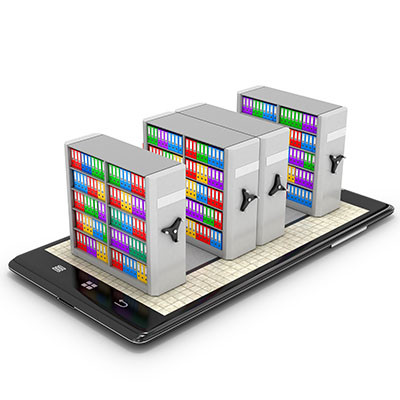
Have you ever struggled with storage space on your Android device? For individuals who have, we bet that downloading applications that you ultimately don’t end up using very often is a major culprit here. To help you clear up storage space on your device, Android will receive an auto-archiving feature that can save you significant amounts of storage space by archiving your unused applications.
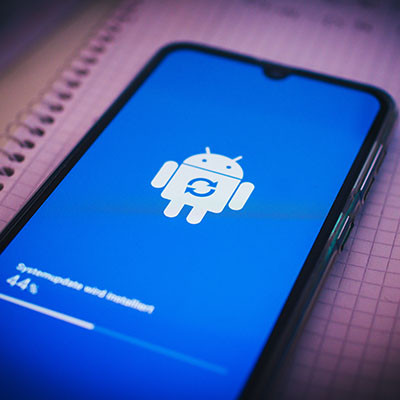
If you use Android mobile devices, then you’ll know that updating your device is routine maintenance to keep it safe from threats and security breaches. Not only that, but updating your device can resolve various bugs which impact functionality. Let’s go over how you can update your device to the latest version of its operating system.
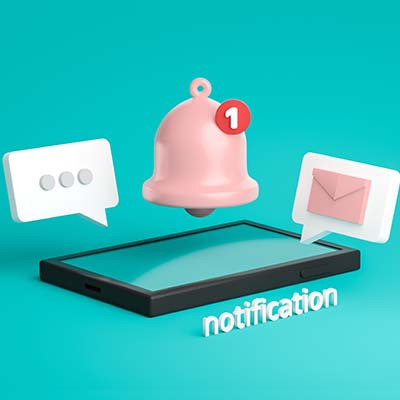
We’ve all accidentally swiped away an important notification on our mobile devices, but not all of us know that Android devices give us the opportunity to go back and check them. For this week’s tip, we’re going to go over the process of how you can retrieve these notifications.

“Wait, I didn’t buy that!”
That’s what many smartphone users have been saying lately, as a prevalent strain of malware has been infecting Android devices. The malware is called “toll fraud malware” and it’s been signing users up to services they don’t want.
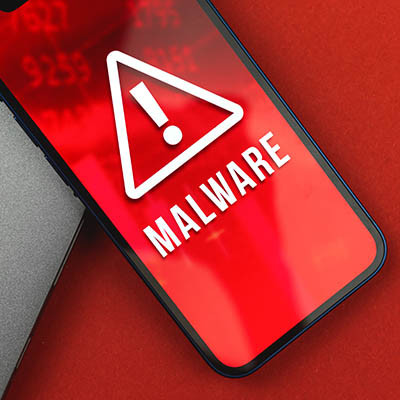
You often hear about malware that infects desktop PCs, laptops, or servers, but other types of malware that infect mobile devices also exist. One such malware, a threat called TangleBot, has been discovered, and it can become seriously problematic for both workers and consumers utilizing Android devices—especially in today’s mobile-centric workplace.

Android device users rely on the Google Play Store to source applications, but many may not be aware of the controls and features that the Play Store has to offer. Let’s go over some of these features that could prove useful.

Windows 10 has long played nice with the Android platform, but did you know that there is a way that you can actually use the same apps you would find on your mobile device on your PC? For this week's tip, we'll go over how you can enable this capability.

There may not be any “official” date set for the release of Android 11, we have gotten a glimpse of it through beta testing. Let’s take a look at some of the features you might see when the OS officially launches.

As a smartphone gets older, it’s battery will start to degrade. For years it was as simple as replacing the battery on the device, but over the past several years, no major smartphone manufacturer builds devices with removable batteries. Fortunately for users, the Android OS has made it a point to build power settings into the software that provides them the ability to manipulate how power is used on the phone. Today, we will take a look at some of the settings you can use to keep your device running longer.
The Google Play Store has a massive selection of applications available for users to download. Unfortunately, just because they’re available to be downloaded, doesn’t necessarily mean that they should be downloaded. In fact, many of these apps should be avoided. For this week’s tip, we’ll go over a few categories of application that you shouldn’t download in the first place.
While there aren’t many reasons that you would want to restore your existing Android applications, the ones that do factor in are pretty compelling. Here, we’ll take you through the process of doing just that.
Many users want to use personal devices in a business setting, but some businesses do not support Bring Your Own Device (BYOD) due to fear of data loss. There are a few options to separate work data, but not restrict users from their own personal apps or data. Today we will look at how your business can take advantage of employees that already having a capable device, and how you can keep them from compromising security.

Although Android Q is on its way, Android Pie still has a lot to offer a user - a lot of which many users may not be aware of. For this week’s tip, we’ve compiled a few ways that Android Pie allows you to customize your phone to be the productivity machine you want at your side.
Android devices are known for being customizable, which doesn’t always translate well to user-friendliness. However, if configured properly, these devices feature some nifty shortcuts to just about any function you might require from your device. Here are just four easy ones:
You might be shocked to find out that your mobile device holds a considerable amount of personally identifiable information on it. This has prompted many users to secure their phones at all times, but others simply ignore the threat and brush it aside. Since Google makes it so easy, there’s no excuse for Android users not to secure their devices. Here’s how you can do it.
Learning how to use a new technology can sometimes be troubling. If you’ve been a dedicated Apple customer throughout the years, but are considering switching allegiances to Android, you should know that simple differences between the two platforms can end up disorienting. Here are a few things you have to know when switching away from the iPhone.
 Android smartphones are well known for taking advantage of the plethora of applications developed by Google, like your calendar and Google Drive. One of the best ways you can get the most out of your Android device is by using its Gmail application. We’ll walk you through how to add a new Gmail account to your device, and how to switch between your multiple Gmail accounts.
 Virtually every tech user wishes their mobile device battery would last longer, yet not every user understands that they can achieve this simply by adjusting their device settings. Here are seven simple adjustments you can make to your Android device in order to get its battery power to last longer.

News & Updates
Businesses will often go into the process of self-improvement with unrealistic expectations for how much they can significantly improve their functionality. This simply is not true, and sometimes business owners need to realize that real change—the k...
Understanding IT
Get the Knowledge You Need to Make IT Decisions
Technology is constantly evolving, and keeping up can feel overwhelming. Whether you want to understand cybersecurity threats, explore automation, or learn how regulations like PCI DSS impact your business, we’ve made it easy to access clear, straightforward insights on key IT topics.
Contact Us
Learn more about what Patriot Tech Services Inc. can do for your business.
Patriot Tech Services Inc.
578 State Route 522
Wheelersburg, Ohio 45694