
Patriot Tech Services Inc. Blog
Patriot Tech Services Inc. has been serving the Wheelersburg area since 2006, providing IT Support such as technical helpdesk support, computer support, and consulting to small and medium-sized businesses.

Despite its whimsical name, phishing is a very serious threat to everyone, especially today’s businesses. This means that you need to be prepared to identify its warning signs and avoid risky situations. Here, we’re offering a few tips to help you do so - make sure you share them with your employees as well!
0 Comments

For many consumers, carrying cash is a rarity. Debit and credit cards have taken over as the most widely used payment method. The convenience of not being given a handful of loose change must come at a price -- so how much will it cost you?

Businesses rely on thought out, researched decisions in order to succeed. But what happens when the internet possesses false information, and misleads you from the truth? Today, we decided to bust some common tech myths.
The email signature is an often-overlooked opportunity for an organization to appear that much more professional. Here, we’ll look into how to set up your email signature in Gmail.
Microsoft offers solutions that have a proven history of being assets when businesses adopt them - but like most any solution, what may fit well for one, may not fit well for all. Here, we’ll consider one of Microsoft offerings to help you determine if it is the right solution for your needs and requirements.

Green technologies just a short time ago had a reputation for being costly, rather than cost-saving. However, business owners are starting to see a multitude of benefits for going green, from cost savings to increased customer appreciation for environmental conservation.

Many users want to use personal devices in a business setting, but some businesses do not support Bring Your Own Device (BYOD) due to fear of data loss. There are a few options to separate work data, but not restrict users from their own personal apps or data. Today we will look at how your business can take advantage of employees that already having a capable device, and how you can keep them from compromising security.

For the small business looking to transform both their communications system and their IT budget, Voice over Internet Protocol (VoIP) is a great solution. VoIP can deliver clear and reliable calling services that some landline services simply don’t offer. We take a look at VoIP’s more interesting features in this week’s blog.

The Chromecast, Google’s offer to the growing streaming market, is a pretty handy device - even in the business setting. I know, I know, it is a consumer device, but some of its capabilities directly translate to professional use. Here, we’ll walk you through the process of setting up your Chromecast, four useful-for-business features, and the process of resetting your Chromecast if it ever needs it.

As technology advances, gadgets are invented which can be beneficial to not only our social lives but in our business practices. Radio-frequency identification (RFID) is a relatively new technology which businesses have been progressively utilizing.

It’s not a secret (well, not anymore) that the big tech companies have influence. These companies, that include Apple, Google, Amazon, and Facebook, have been in the spotlight more and more as the argument of data privacy has gotten louder and louder. Public sentiment is starting to blow back on their business model--and since, Yahoo, once the predominant name in Internet-based services, was broken up and sold to Verizon for cents on the dollar after being at the center of the largest data breach in recorded history--there have been rumblings that there has to be something done to protect the public from major publicly-traded technology companies that use individual’s data in ways that some deem unethical.
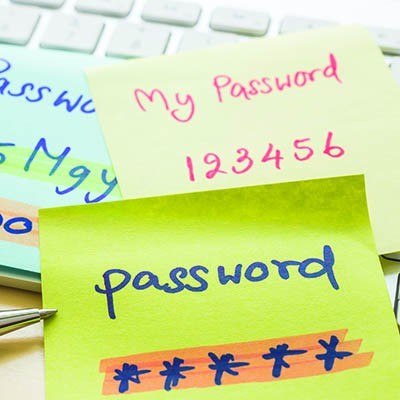
Do you use different passwords on every account you’ve created? Are these passwords sufficiently complex? Chances are at some point you have used a repeating password. Remembering 35 different logins for 35 different applications is hard enough, so it’s not surprising that the majority of people will use the same password for many applications. Bad password practices are all too common. So, how can you fix this?
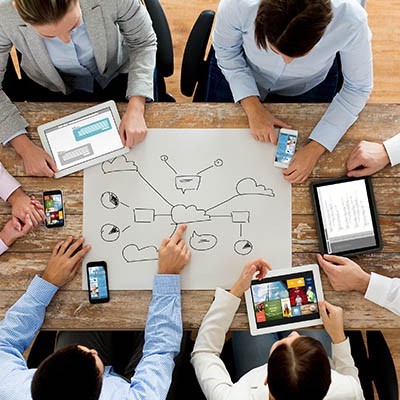
Thanks to the increasing capabilities of modern computing networks, businesses have been able to experience enhanced productivity. One such capability, cloud computing, has allowed businesses to reach outside of their physical location to conduct their operations. Here, we’ll review some of cloud computing’s other benefits.

We have finally reached the end of our guide to help you purchase your next computer. In the other four parts, we covered how you could identify the specifications your device would need for your intended use of it. Here, we’ll review some other assorted considerations to keep in mind as you finalize your new device.

No matter how well your new computer works, you aren’t going to be able to do much with it if you can’t see what you’re doing. You will need a display. Of course, there are a lot of considerations to make when selecting one. Here, we’ve outlined these considerations, with some of the options you’ll encounter.
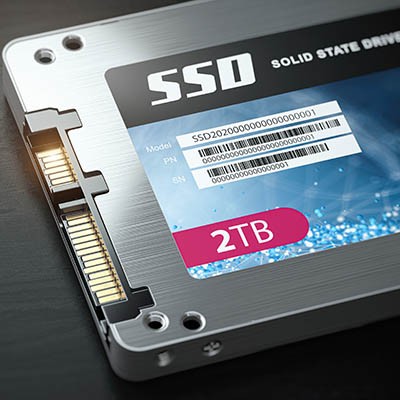
As we continue our computer buying guide with part three, we’re diving into the topic of storage space. As a general rule, modern gadgets have a few available options in terms of storage - not to mention external storage options - but the brand and version of the device can have an impact on the amount of space available. As you select your desktop or laptop, its storage capacity is crucial to consider.
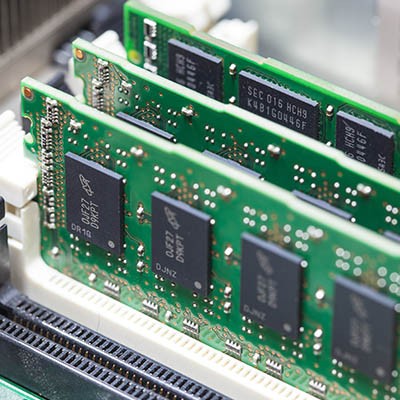
Part two of our desktop buying guide will dig into the details of RAM, or random-access memory. We hope to clear up misconceptions about what RAM actually is, as many users don’t understand the difference between storage and memory. Who knows? You might learn a thing or two to take with you when you purchase your next desktop.
When you are in the market for some new computers for your business, ensuring that you are targeting the right hardware is important. To educate people on what they should be looking for in a new computer, we have decided to put together a multi-part series detailing the different parts of a computer. In part one, we will take a look at the CPU.

There’s a reason that cybercrime is so popular: it is no longer reserved for those with extensive programming knowledge to profit from. Now, according to a report by Deloitte entitled Black Market Ecosystem: Estimating the Cost of “Pwnership”, there is a complete economy built around easily accessible hacking tools that don’t require specialized knowledge to leverage.
Ransomware attacks grew less common in both 2018 and thus far in 2019 when compared to 2017. Unfortunately, recent events have made it more likely that this trend will reverse in the near future. Why is that? Simple: some municipalities have set a precedent of paying up.
News & Updates
Businesses will often go into the process of self-improvement with unrealistic expectations for how much they can significantly improve their functionality. This simply is not true, and sometimes business owners need to realize that real change—the k...
Understanding IT
Get the Knowledge You Need to Make IT Decisions
Technology is constantly evolving, and keeping up can feel overwhelming. Whether you want to understand cybersecurity threats, explore automation, or learn how regulations like PCI DSS impact your business, we’ve made it easy to access clear, straightforward insights on key IT topics.
Contact Us
Learn more about what Patriot Tech Services Inc. can do for your business.
Patriot Tech Services Inc.
578 State Route 522
Wheelersburg, Ohio 45694